Facebook Ads App Tutorial
Learn how to create the App and how generate your XML catalog.
Create the app
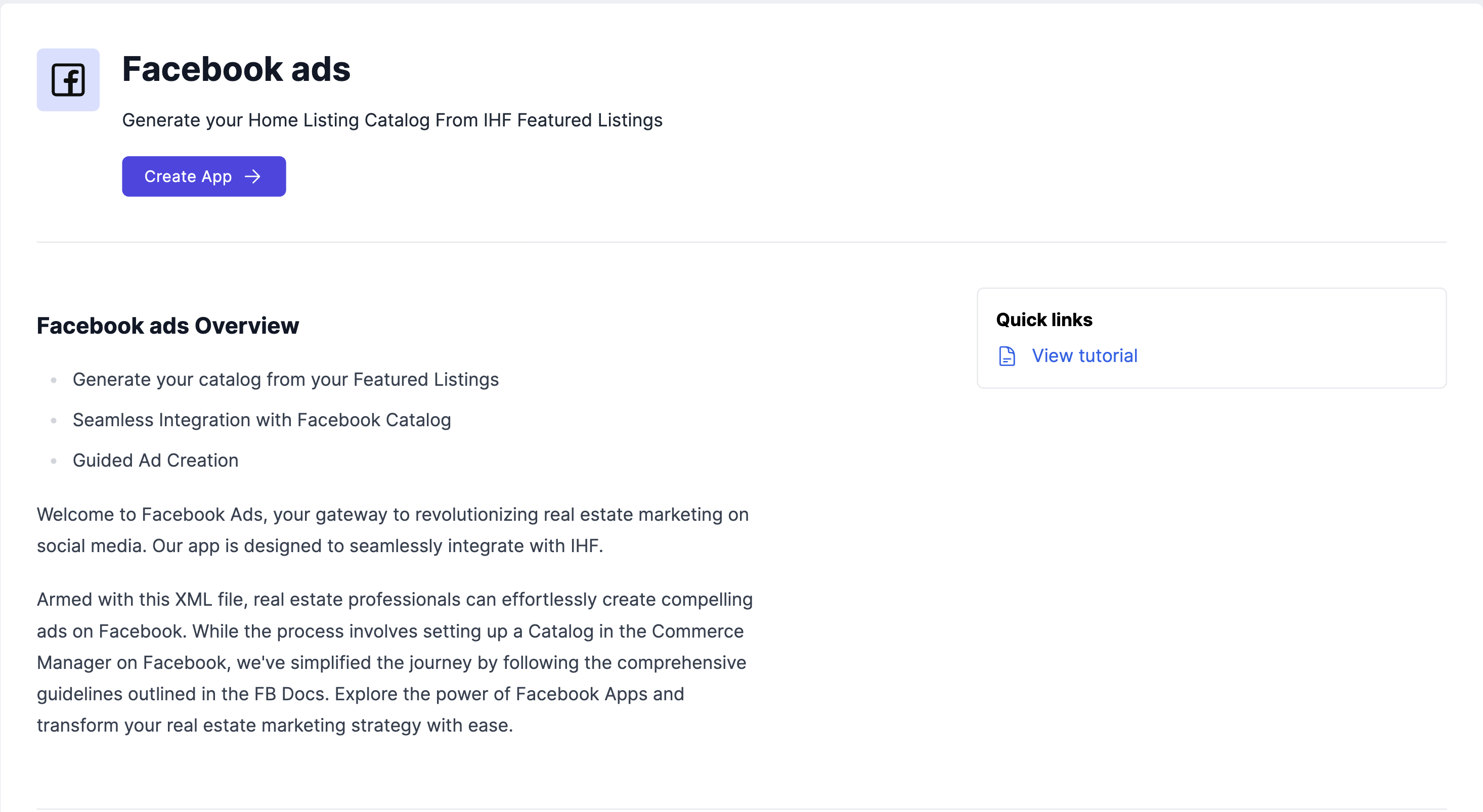
Begin by visiting https://idxapps.com/apps/facebook-ads. Once you're on the page, just click on "create app" to get started
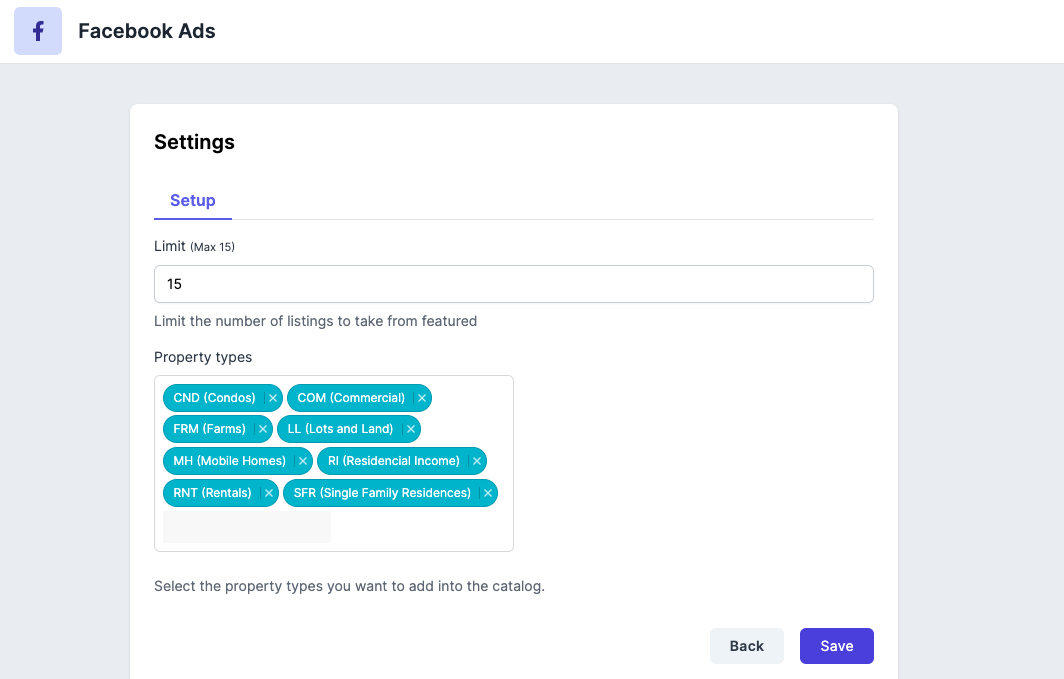
Configure your app settings, you can select the limit of listings to take from featured and choose what property types you want to have in your catalog.
Generate the XML Feed
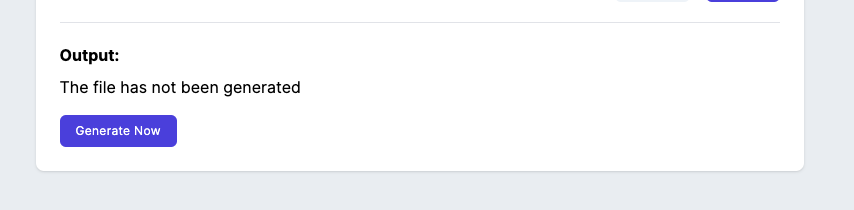
Upon App creation at the bottom of the module, you will see the "Generate now" button. Click on it to generate the XML feed.
The XML feed will be generated and you will see the XML file URL and 2 options: update the file or go to file that will open the XML file in a new tab.
You can simply click the button at the end of the URL to effortlessly copy the link to your clipboard.
If your click in update file, the xml feed will be updated.
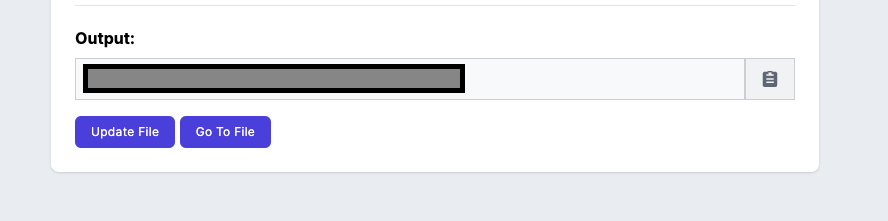
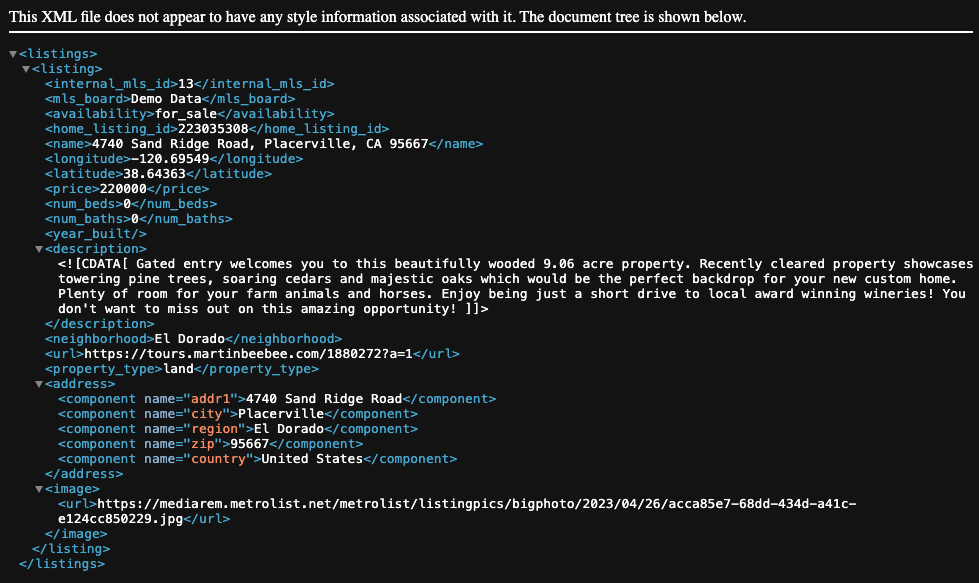
If you click on the "Go to file" button, you will see the XML file content with the listings from the featured.
Facebook Real Estate Ads
Go to Facebook Real Estate Ads and scroll down to the section Set a Schedule for Your Catalog Data Feed Upload. There you can see the steps to add the XML file URL to your Facebook Business Manager.
If you encounter any issues or have questions, feel free to reach out to us at support@realtycandy.com. We're here to assist you.