How to Add a Source Label
Learn how IDXApps automatically adds a custom Source Label to your GoHighLevel contacts when new leads register on your website.
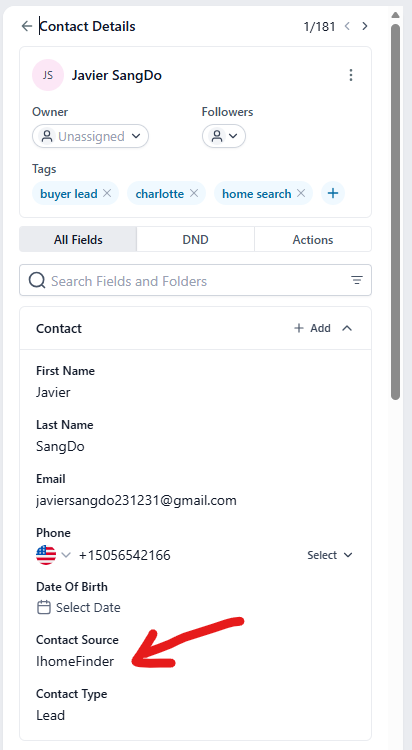
With this feature, every time a new lead registers through your website, IDXApps will automatically add a Source Label to the Contact Source field in GoHighLevel. This helps you track exactly where your leads are coming from — whether it’s your website, a listing page, or an ad campaign.
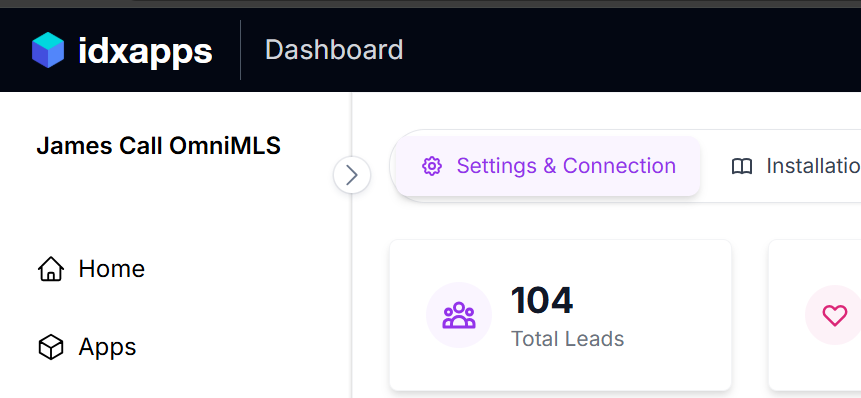
To activate this feature, go to your IDXApps Settings & Connection page.
Click on the Contacts tab section, then toggle the feature on.
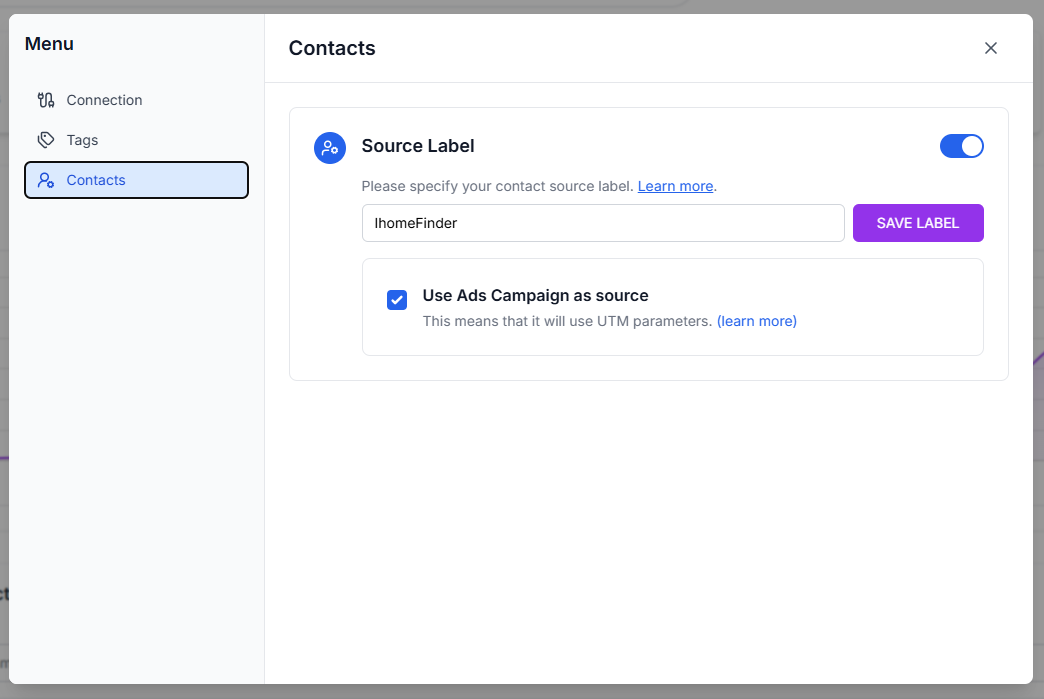
Once enabled, you’ll be able to define the default label that will appear in GoHighLevel’s Contact Source field every time a new user registers from your site. (Be sure to click the 'SAVE LABEL' button).
For example, if your label is set to IDX Website, every lead that registers from your IDX site will appear in GoHighLevel with that source name automatically.
This checkbox option, located right below the Source Label input, lets you track your leads more precisely by using UTM query parameters from the listing site URL instead of a static label.

When enabled, IDXApps will automatically capture any UTM parameters in the URL and use them as the Contact Source Label in GoHighLevel.
What Are UTM Parameters?
UTM parameters are tags added to a URL to identify the source, medium, or campaign that brought a visitor to your site. These are widely used in digital marketing to measure the effectiveness of campaigns.
Here’s an example of a URL with UTM parameters:
https://myrealestatewebsite.com/listings?utm_source=Facebook&utm_medium=cpc&utm_campaign=summer_sale
In this example:
- utm_source=Facebook → identifies that the traffic came from Facebook.
- utm_medium=cpc → indicates that it was a paid ad (cost-per-click).
- utm_campaign=summer_sale → refers to the specific campaign name.
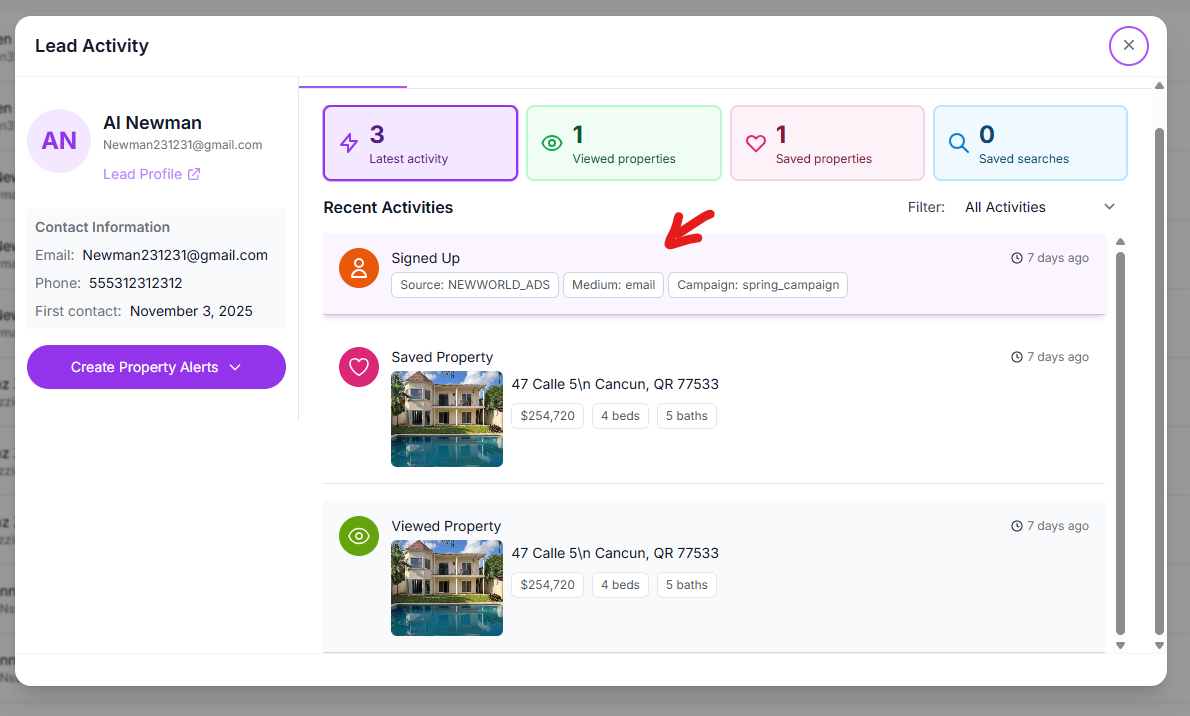
When this option is activated, the Contact Source field in GoHighLevel will display the value of utm_source= (which in this example is: Facebook) automatically for that lead.
Once your Source Label feature is active, all new leads in GoHighLevel will automatically show their source inside the contact details (As shown earlier in this post). This makes it much easier to filter and analyze your lead origins directly from your CRM.
You will also be able to see the Source Labels in the Lead Activity Details section in IDXApps: