Mailbox Power Tutorial
Learn how to create the app and send IHomeFinder leads to Mailbox power.
Mailbox Power API Key
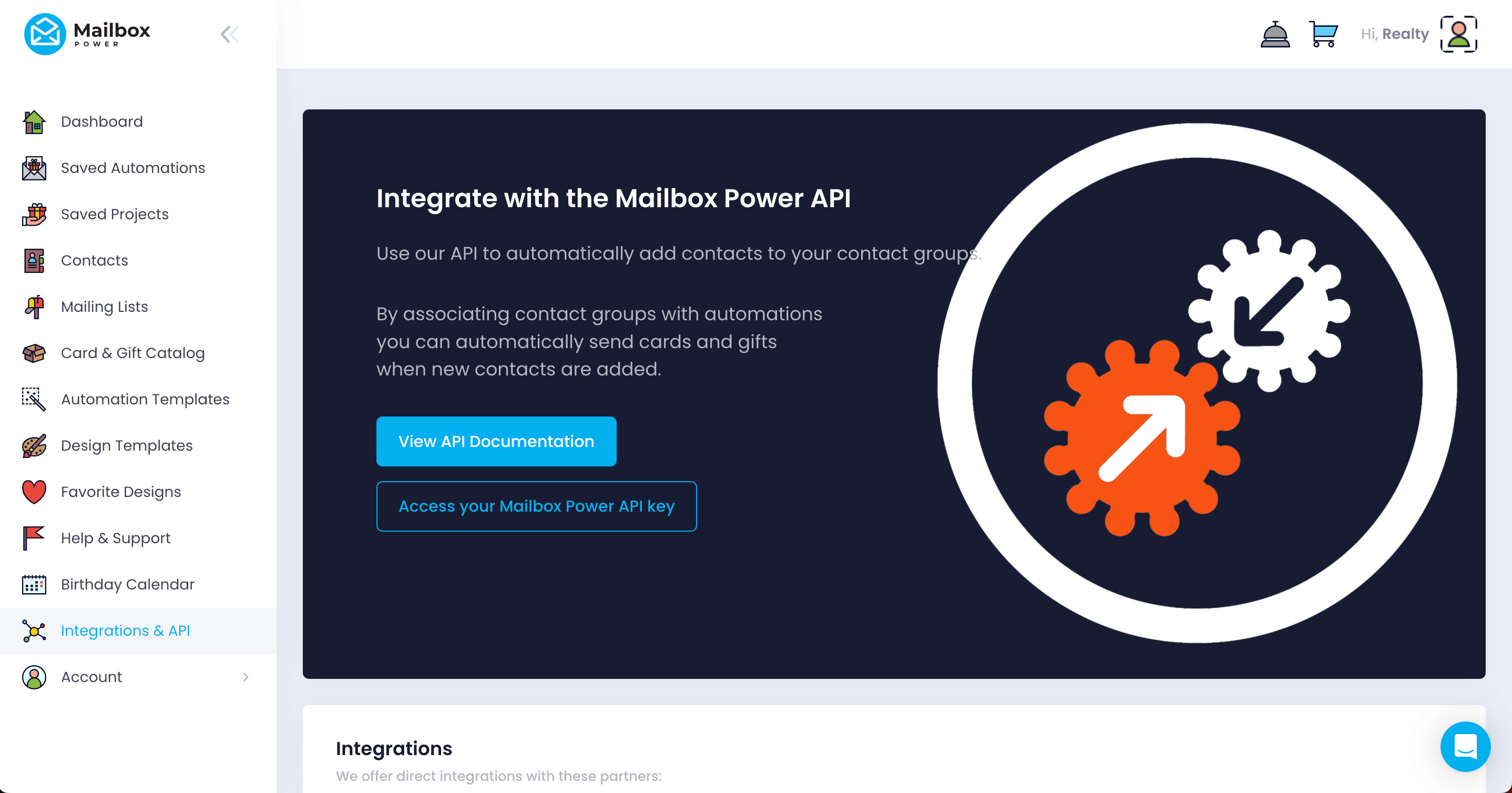
Go to Mailbox Power > Integratons & API and click on "Access your Mailbox Power API key".
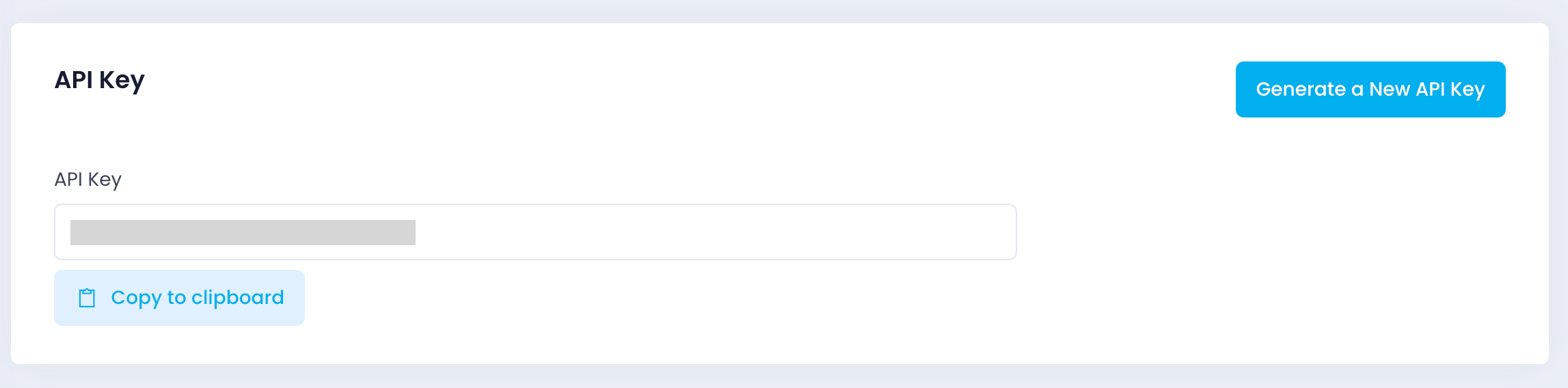
Click on "Copy to clipboard" to copy the API key to your clipboard.
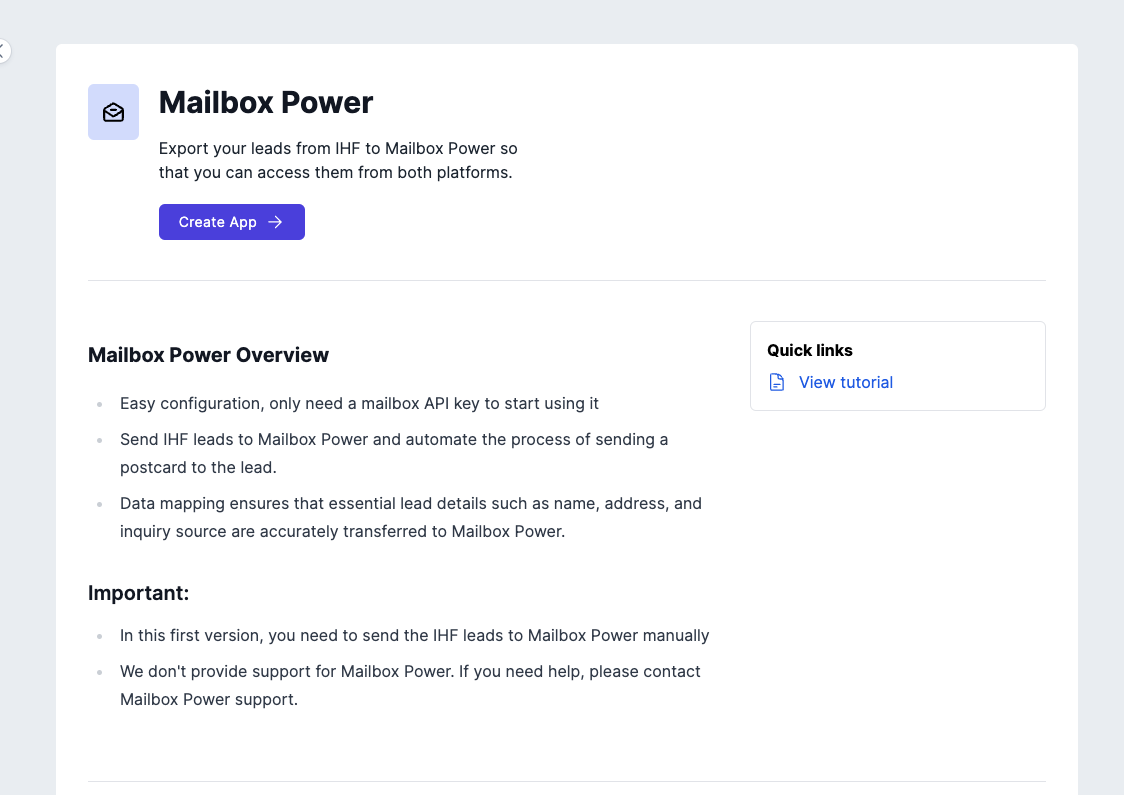
Create the app
Begin by visiting https://idxapps.com/apps/mailbox-power. Once you're on the page, just click on "create app" to get started
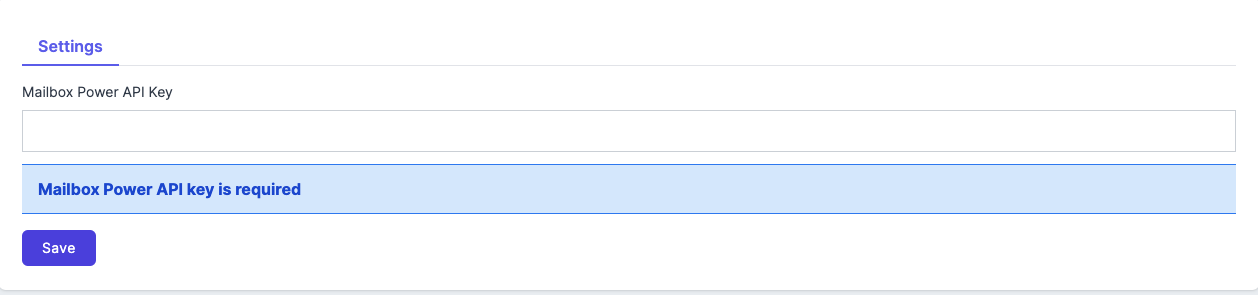
Paste the API key obtained from the Mailbox Power platform.
The page will reload and you will see your Mailbox Power groups.

And below the groups, you will see the your IDX Leads and your Mailbox Contacts.
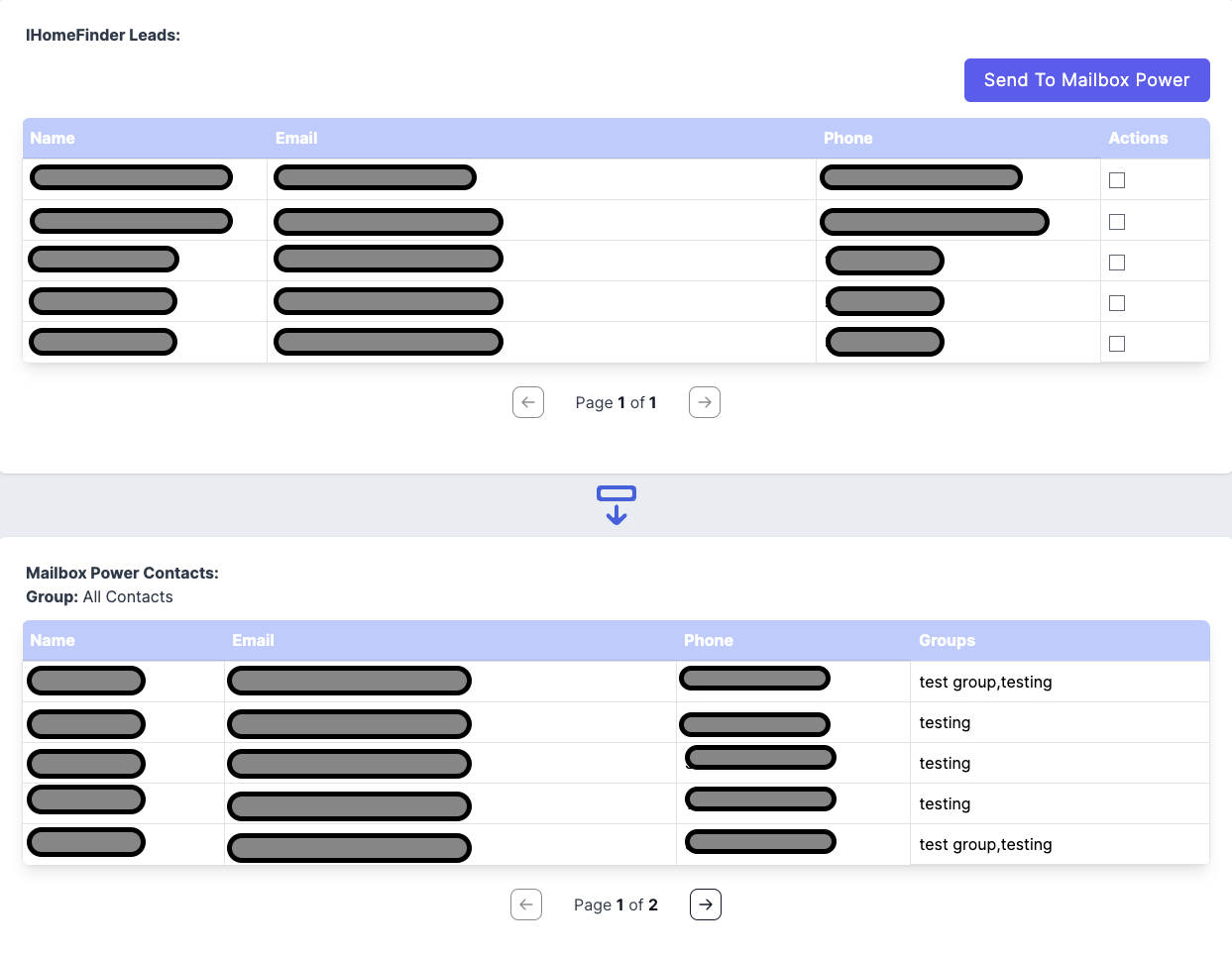
Send IHF leads to Mailbox Power
In this first version, you need to send the IDX leads to Mailbox Power manually
To send a lead to Mailbox Power, select the leads you want to send and click on the "Send to Mailbox Power" button.

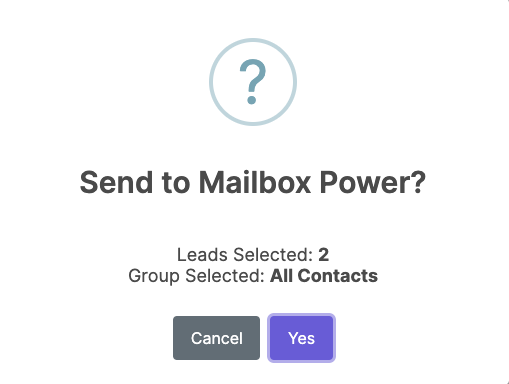
A popup will appear to confirm the action. Click on "Yes". Note: if no group is selected, the leads will be sent to the default group "All Contacts"
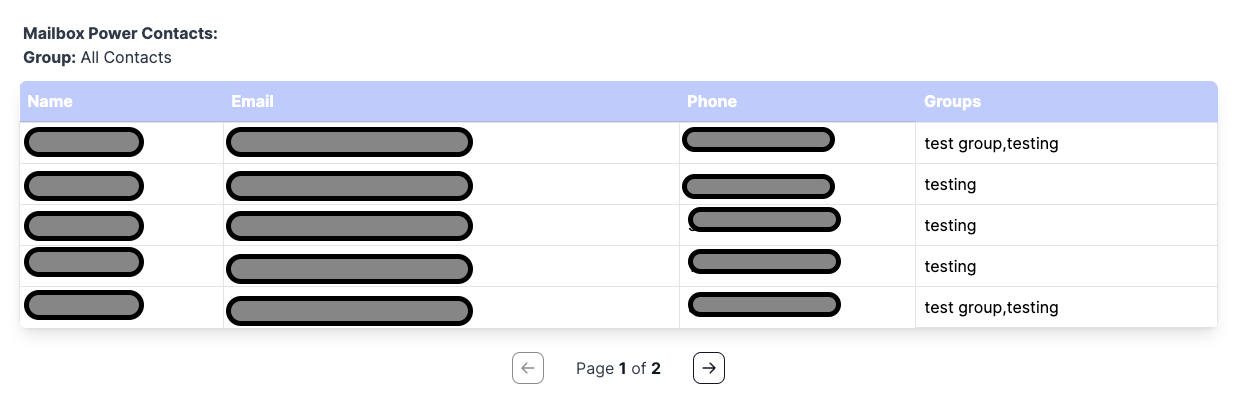
The leads selected will be sent to Mailbox Power and they will be available in the "Mailbox Contacts" section.
Send IHF Leads to a group in Mailbox Power
To send IDX leads to a Mailbox Power group, first select the group you want to send the leads to. Then select the leads you want to send and click on the "Send to Mailbox" button.
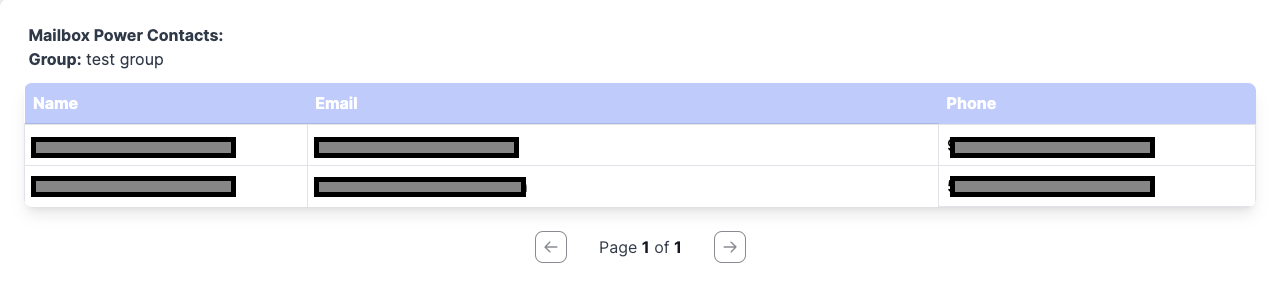
Also when you select a Mailbox group the table will be updated with the contacts of the group selected

A popup will appear to confirm the action and the Mailbox Power group. Click on "Yes".
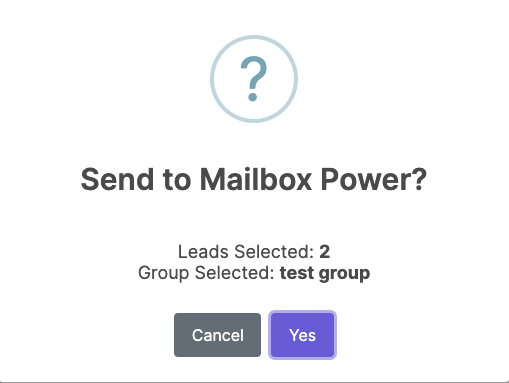
The leads will be sent to the Mailbox Power group.
If you encounter any issues or have questions, feel free to reach out to us at support@realtycandy.com. We're here to assist you.